 Taskmark For macOS
 A native home for your Markdown tasks
Plan in the app.
Own the files.
Taskmark gives your day a clear place to land. Capture tasks, choose what is next, and keep the whole system in a folder of readable Markdown files.
Free and open source. macOS 15 or newer. Apple Silicon and Intel.
A calmer way through the day
See the work.
Choose the next step.
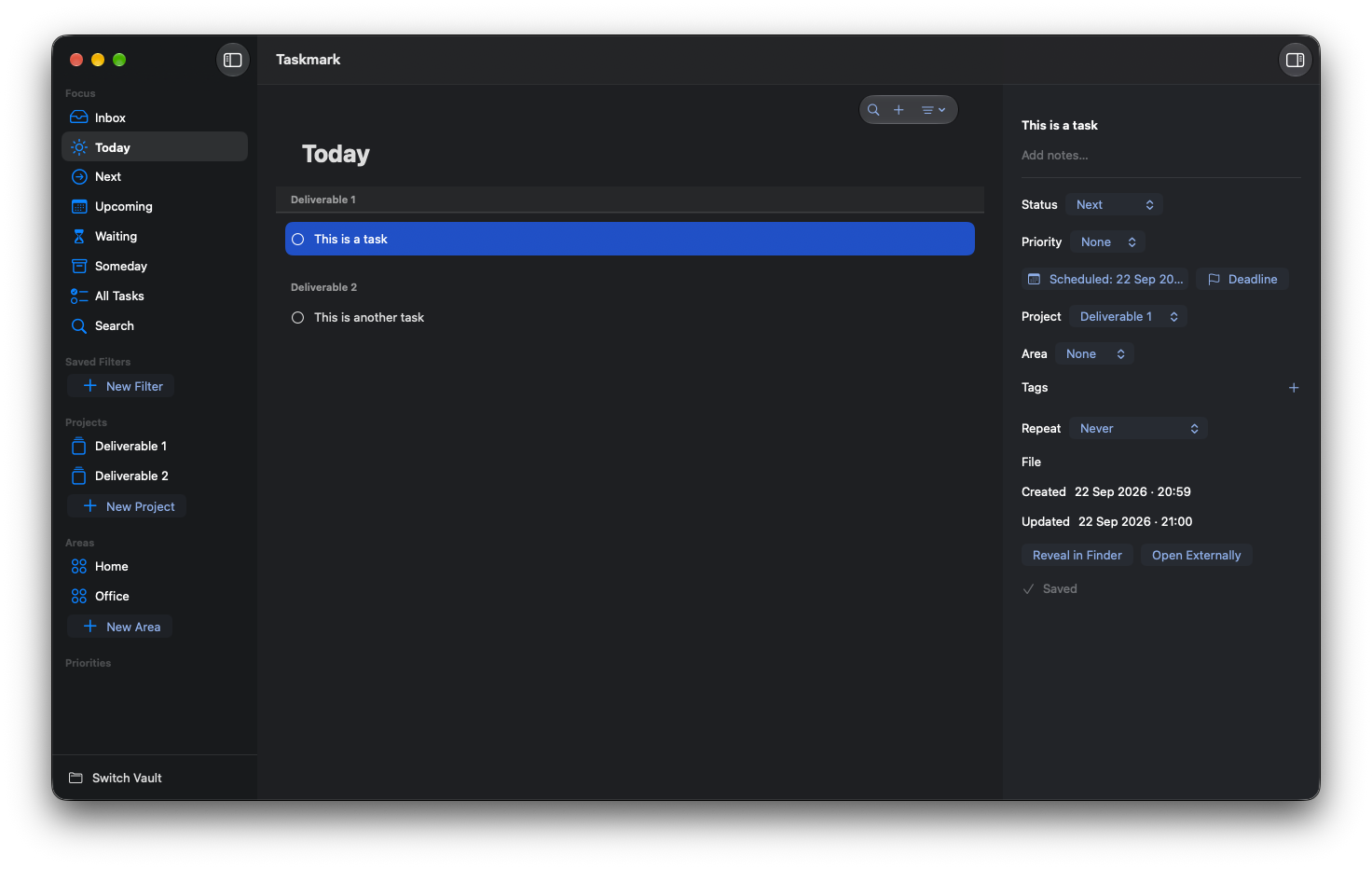
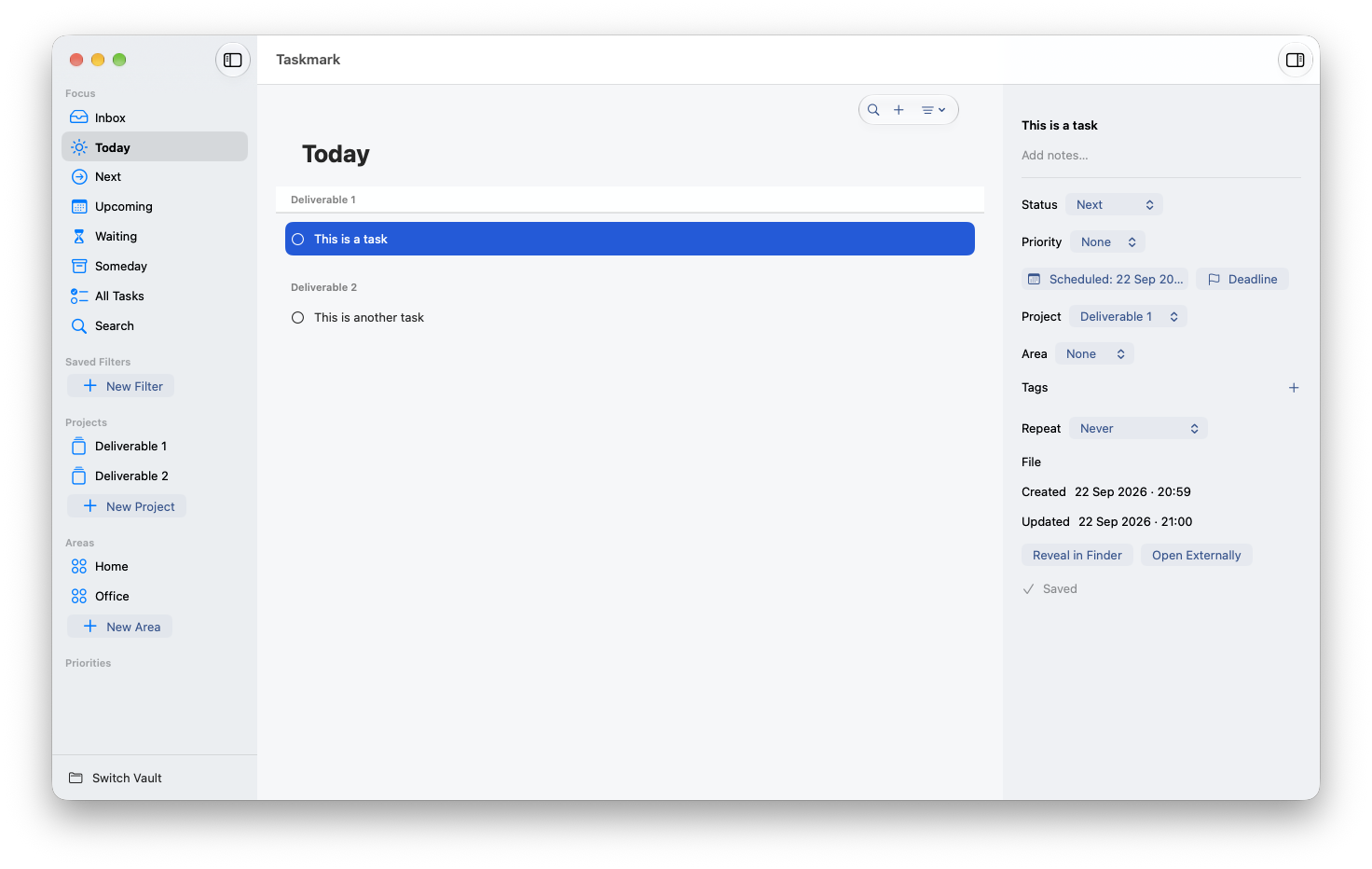
Move from Inbox to Today, Next, Upcoming, Waiting, or Someday without losing the wider picture. Projects, areas, tags, priorities, and saved filters are there when you need them.
- 01 Capture quickly in the Inbox
- 02 Plan with dates, deadlines, and repeat rules
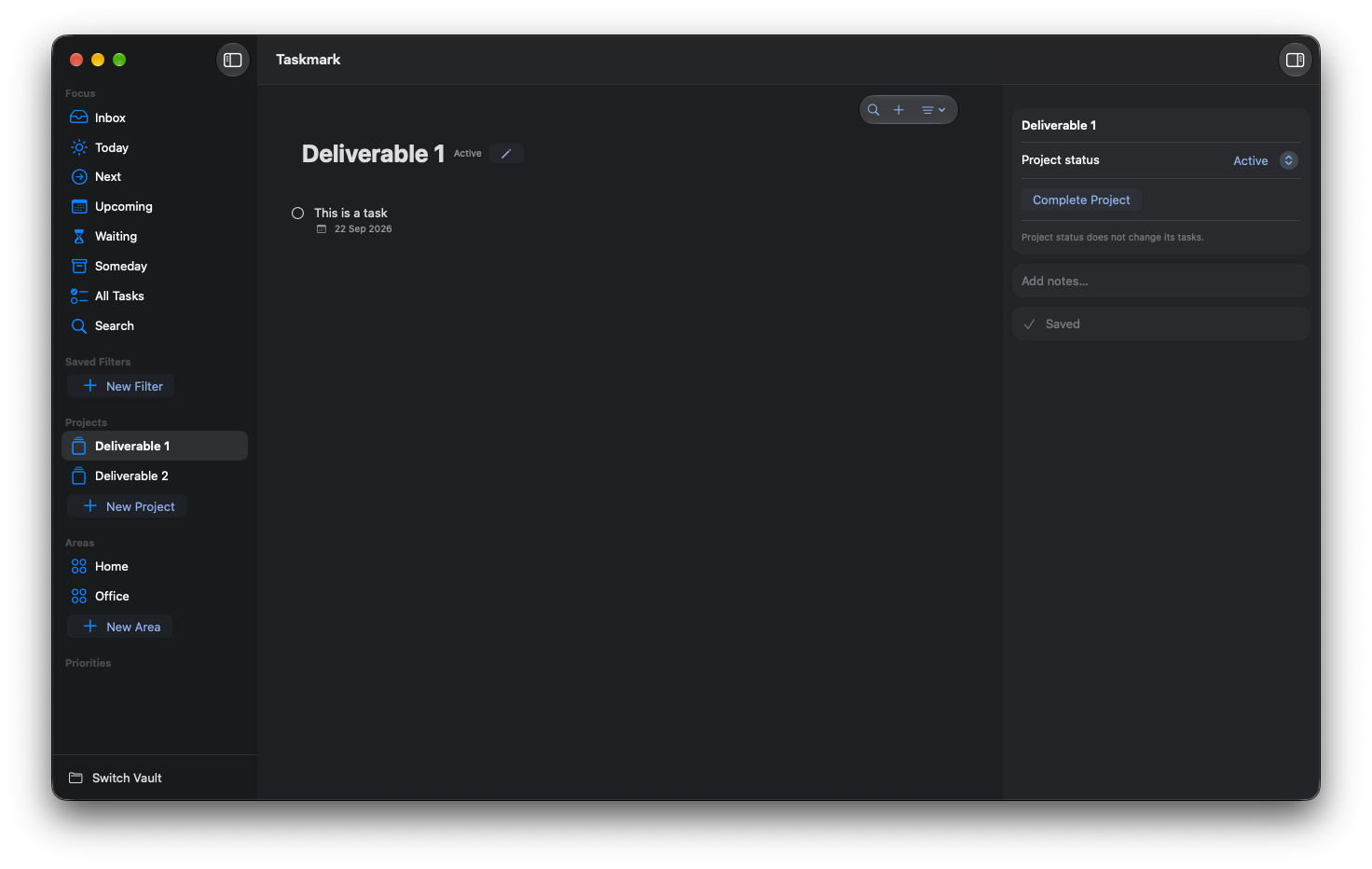
- 03 Keep projects and areas in view
Your task list is still yours outside the app.
A Taskmark vault is a folder on your Mac. Tasks, projects, and areas are Markdown files you can read, edit, back up, and move with the tools you already use.
No account, Taskmark cloud service, or opaque database. Work offline, and choose your own file sync if you want it.
My Tasks/
├── .config/
├── Tasks/
│   └── Review launch.md
├── Projects/
└── Areas/Beyond the Mac app
Manage tasks from the terminal or with an agent.
Taskmark CLI
Capture, find, edit, and complete tasks from your terminal. The bundled
taskmark command also supports JSON output for scripts and dry runs to
preview changes.
Agent Skills
Let a compatible agent work with your vault. The Taskmark skill uses the CLI, while the vault skill guides direct Markdown edits when the CLI is unavailable.
Explore the skills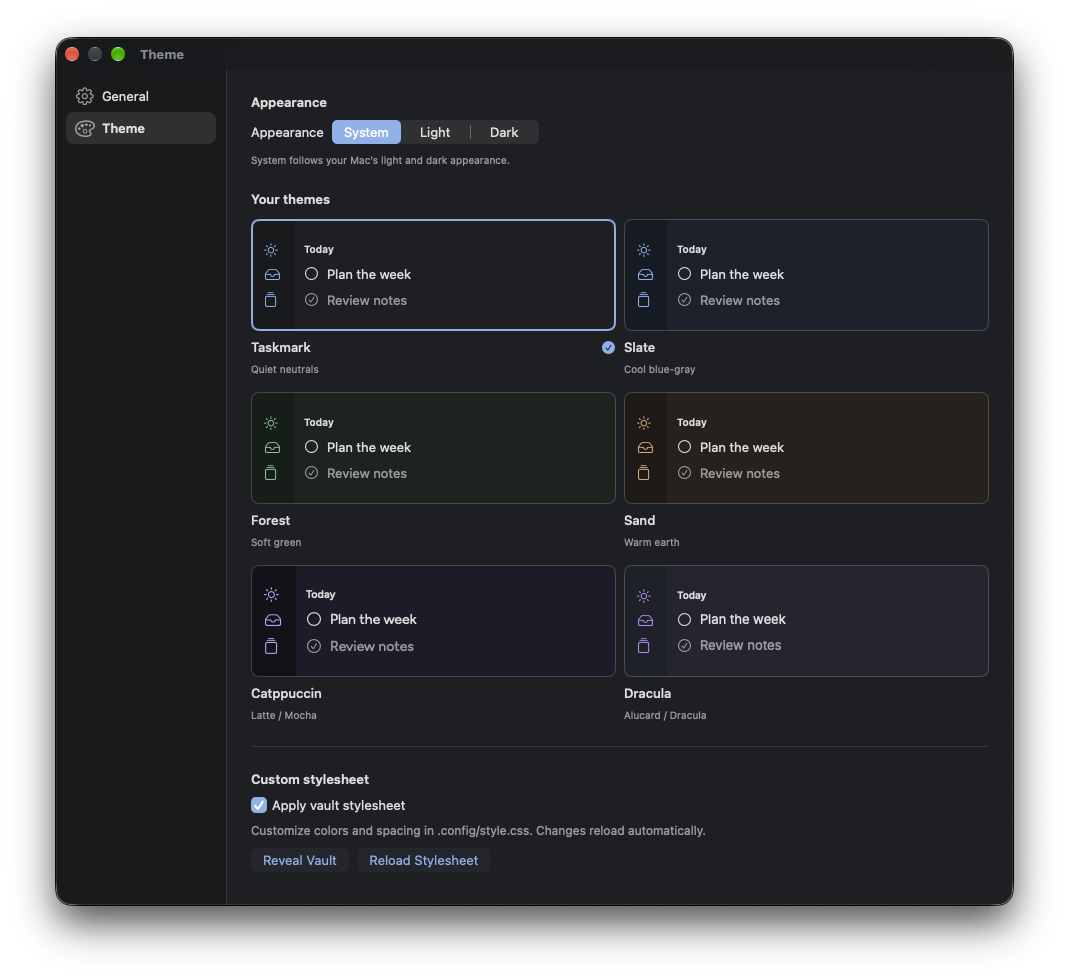
Make the workspace yours
Focused in every light.
Choose from multiple adaptive themes, follow your Mac's appearance, or tailor a vault with its own stylesheet. The interface stays quiet while the work stays legible.
The same clear view, day or night.
Taskmark keeps the list at the center, with the information you need in reach.
Ready when you are
Make room for the work that matters.
Download the signed, notarized Mac app from GitHub Releases. Open the DMG, move Taskmark to Applications, and create or choose a vault.